
10 Common Website Security Risks
Palak Agrawal
Published on November 20, 2026
11 min read
Share on:
A website can have a well-designed interface, useful content and a steady flow of visitors, but a single security weakness can put all of it at risk. An exposed database, an outdated plugin or a compromised login account can give attackers access to sensitive information, disrupt services and damage customer trust.
The risk is growing. According to Check Point Research, organisations faced an average of 2,550 cyberattacks every week in October 2026, a 32% increase from the previous year. The 2026 Verizon Data Breach Investigations Report also found that exploiting software vulnerabilities accounted for 31% of breaches.
This is where website security comes in. In this blog post, we discuss website security in detail: its meaning, its importance and ten ways to improve it.
What Is Website Security?
Website security refers to the practices, technologies and controls used to protect a website from cyber threats. It covers everything from securing the web server and application code to protecting user accounts, databases and information exchanged between the website and its visitors.
These measures form the foundation of web application security. They help prevent attackers from exploiting vulnerabilities, stealing information or disrupting website operations.
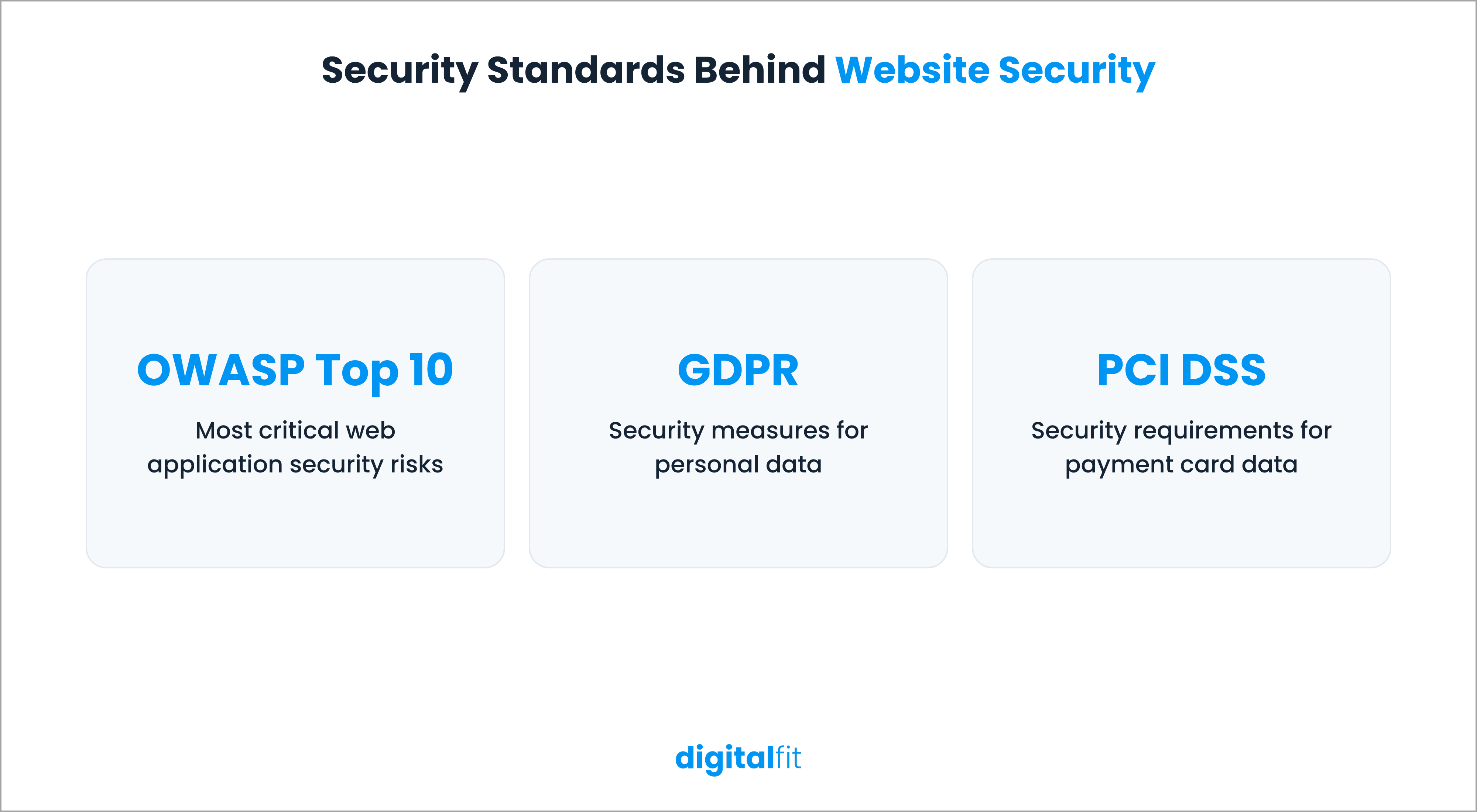
Website security also involves following recognised security standards and regulations. Some important references include:
- OWASP Top 10: A widely used reference that identifies the most critical web application security risks. Its 2025 edition places broken access control and security misconfiguration at the top.
- GDPR: Requires organisations that handle personal data covered by the regulation to implement appropriate technical and organisational security measures.
- PCI DSS: Defines security requirements for organisations that store, process or transmit payment card information.
These standards provide a foundation for secure website development and maintenance. However, following them on paper is not enough. Your team must regularly check whether the website's security controls work as intended.
10 Common Website Security Threats and How to Prevent Them
In recent weeks, you may have read multiple reports of websites going down, including those of Microsoft, Zoom and IKEA. It has not been clarified whether these were cyberattacks, but you get the gist. In times like these, it is very important to keep your website as protected as possible. Here are ten common website security threats and how to prevent them.
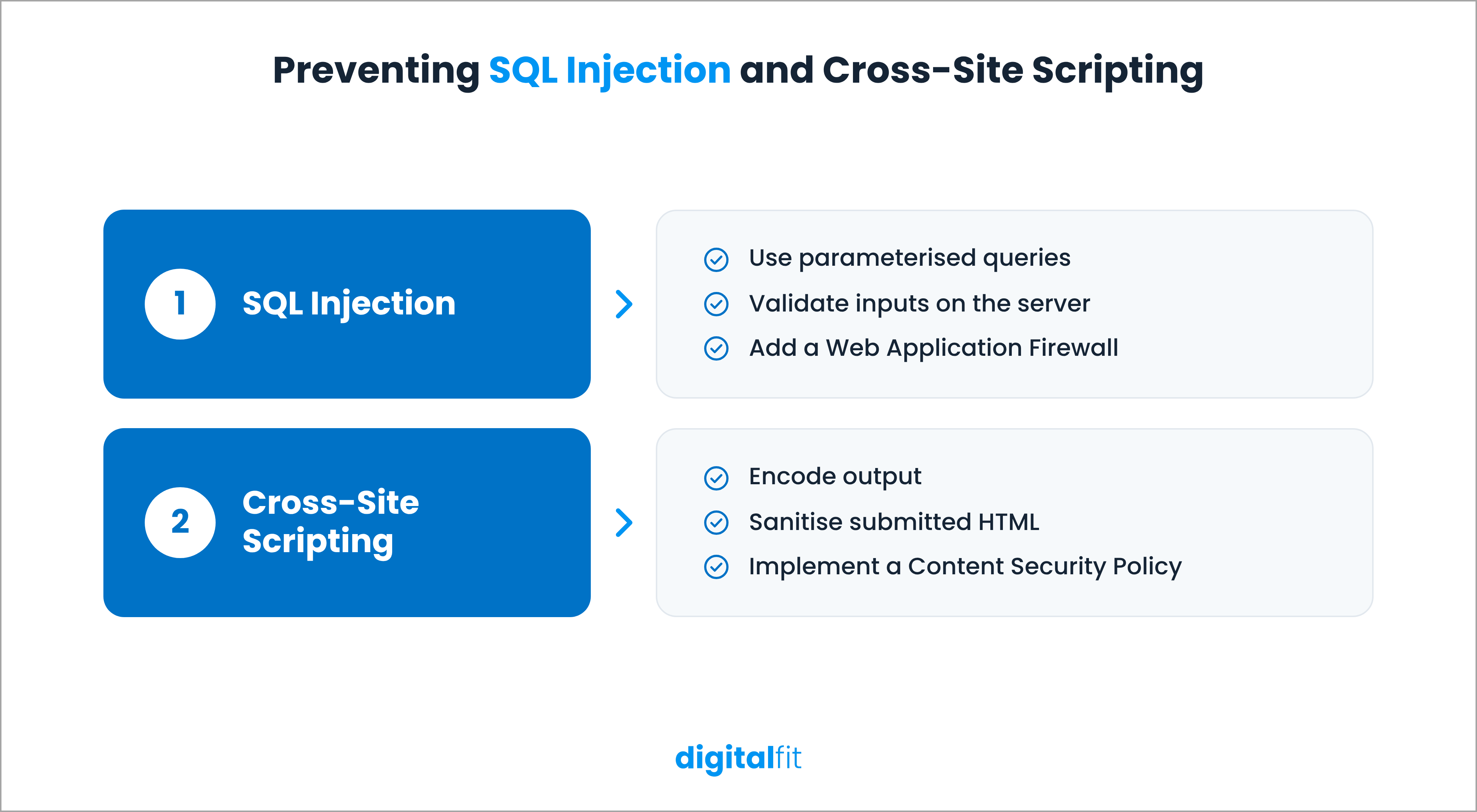
1. SQL injection
The first website security threat is SQL injection. It occurs when attackers insert malicious SQL commands into website inputs, like login forms, search boxes or URL parameters. If the application does not handle these inputs correctly, it may execute the commands against its database.
This can expose sensitive records, modify stored information or allow attackers to delete data. If your website uses databases to manage customer accounts, orders or other business information, then you are particularly vulnerable.
How to prevent it:
- Use parameterised queries instead of building database queries from user input.
- Validate and sanitise inputs on the server side.
- Restrict database accounts to the permissions they actually need.
- Use a Web Application Firewall (WAF) to filter suspicious requests.
These measures address common website vulnerabilities at the application and database levels.
2. Cross-site scripting (XSS)
Another common website security threat is Cross-Site Scripting, commonly known as XSS. It allows attackers to inject malicious scripts into web pages. These scripts run in visitors' browsers when they open the affected pages.
For example, an attacker might exploit an unprotected comment form to insert a script that steals session information or redirects visitors to a malicious website. This can affect both users and the website's reputation.
How to prevent it:
- Encode output before displaying user-submitted content.
- Sanitise HTML wherever users can submit formatted content.
- Avoid inserting untrusted data directly into scripts or page markup.
- Implement a Content Security Policy (CSP) to control which scripts the browser can execute.
These controls form an important part of web application security, particularly for websites with interactive forms and user-generated content.
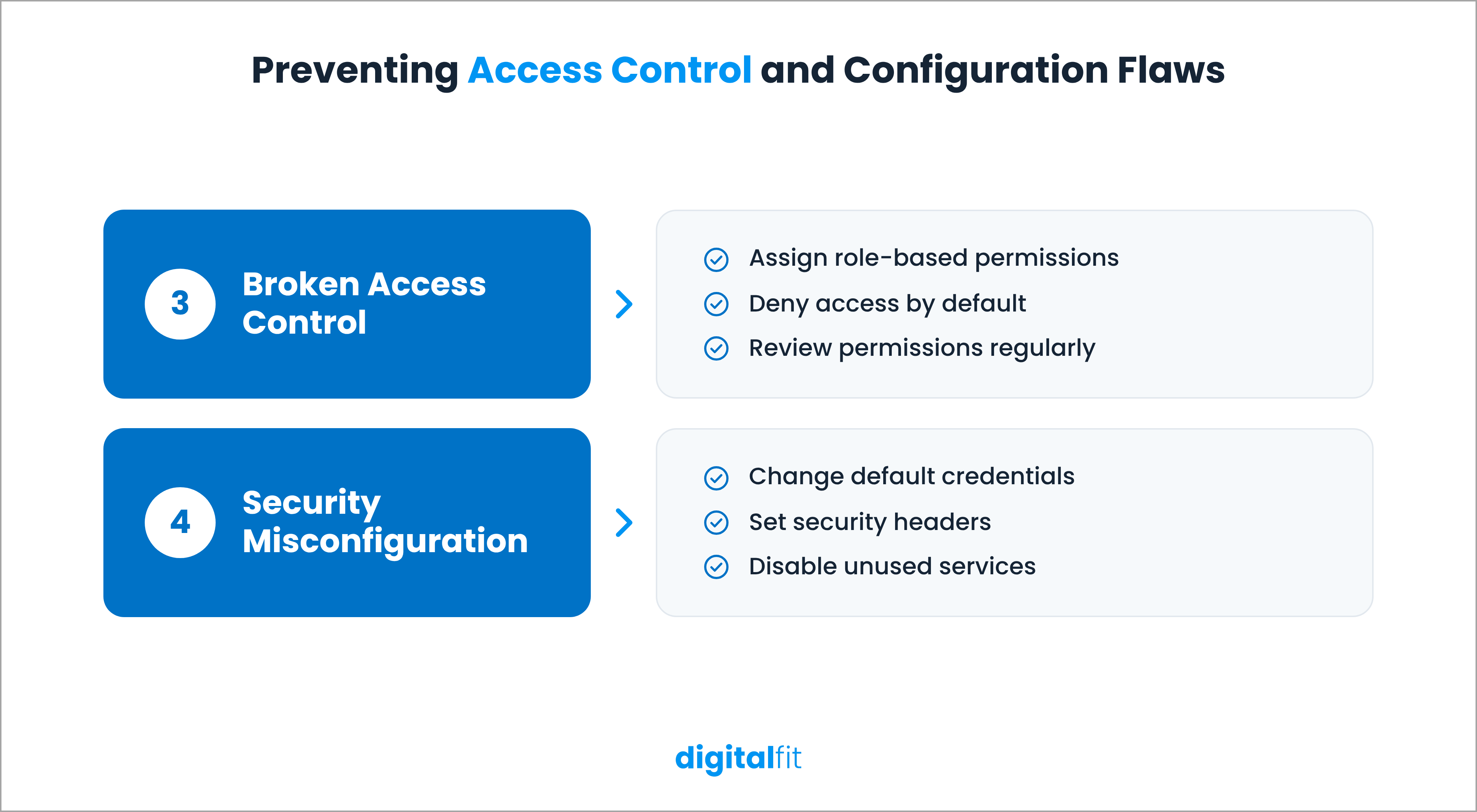
3. Broken access control
Not every website user should have access to every page or function. An administrator may need full control, while an editor may only need permission to publish content.
Broken access control occurs when a website fails to enforce these permissions correctly. A regular user might access another customer's account, view restricted information or perform administrative actions.
The OWASP Top 10 (2025) ranks this as the most critical web application security risk.
How to prevent it:
- Assign permissions according to each user's role and responsibilities.
- Deny access by default and grant only the permissions users require.
- Check authorisation on the server for every protected request.
- Remove access for former employees and contractors.
- Review user roles and permissions regularly.
Regular permission reviews also help identify website vulnerabilities caused by outdated or excessive user access.
4. Security misconfiguration
A website can have secure software and still remain vulnerable because of incorrect server or application settings.
Security misconfiguration, another common website security threat, includes default passwords, exposed administrative pages, unnecessary services, detailed error messages and missing security headers. These weaknesses can reveal useful information to attackers or give them access to systems they should not reach.
The OWASP Top 10 (2025) moved security misconfiguration from fifth to second place.
How to prevent it:
- Change default usernames and passwords.
- Disable unused services, features and administrative interfaces.
- Configure HTTPS and use current TLS versions.
- Set appropriate security headers.
- Review server and application configurations after major updates.
A regular website security audit can help identify configuration issues that may otherwise go unnoticed.
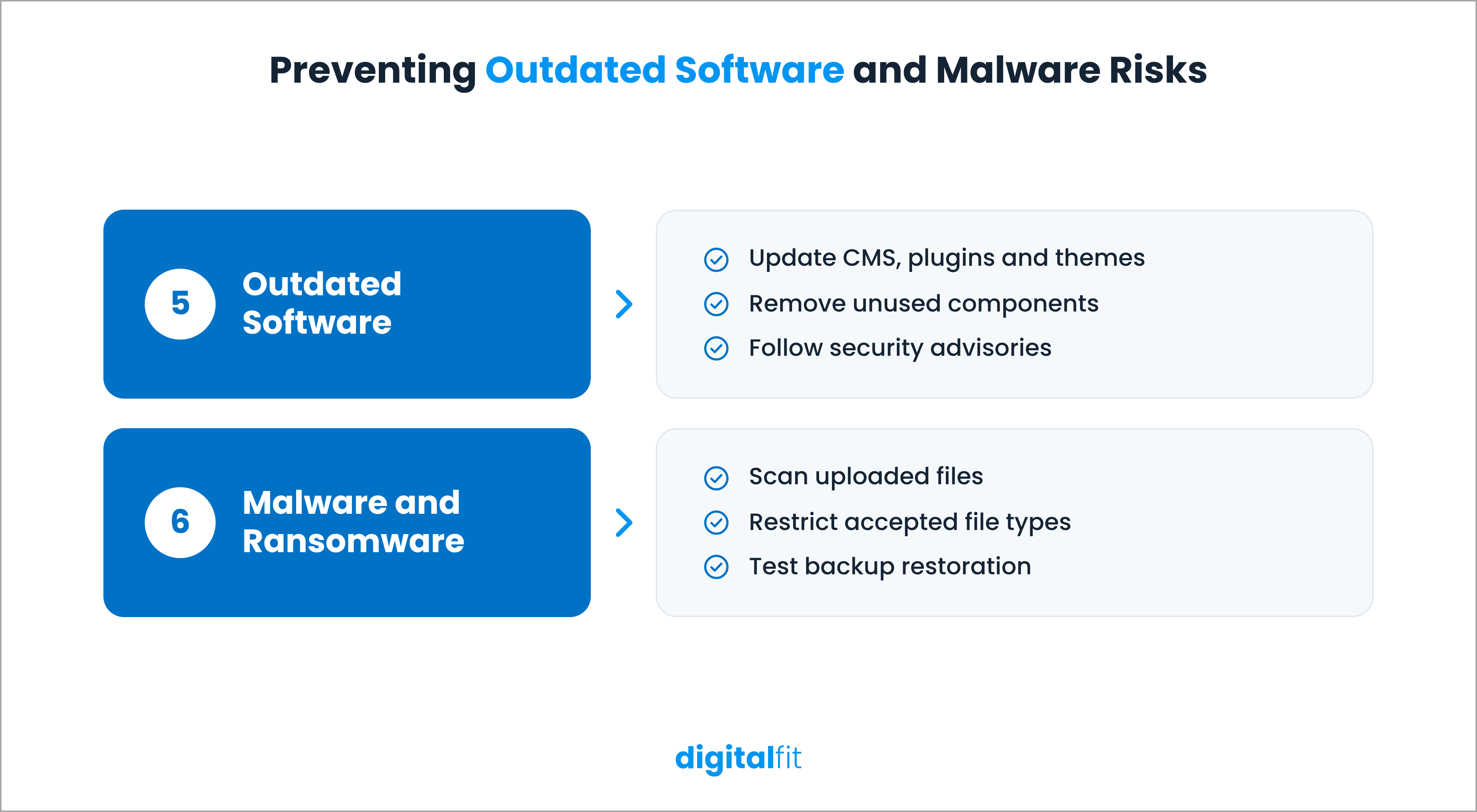
5. Outdated software and vulnerable components
Websites rely on several software components, including CMS platforms, plugins, modules, themes, libraries and server technologies. When these components have known security vulnerabilities, attackers can use them to gain access or execute malicious code.
The problem often starts when website teams postpone updates or continue using unsupported components. Even a single outdated plugin can expose the entire application.
How to prevent it:
- Keep your CMS core, plugins, modules and themes updated.
- Remove components that your website no longer uses.
- Subscribe to security advisories for your CMS and installed extensions.
- Maintain an inventory of third-party components.
- Prioritise vulnerabilities listed in CISA's Known Exploited Vulnerabilities catalogue.
Regular updates reduce the time attackers have to exploit known weaknesses. They should also form a core part of your website security best practices.
6. Malware and ransomware
Malware is malicious software that attackers use to damage systems, steal information or gain unauthorised access. It can enter a website through compromised extensions, infected file uploads or vulnerable server software. This is one of the most common website security threats.
Ransomware is a particularly disruptive form of malware. It can encrypt files and databases, preventing teams from accessing critical information until they restore their systems or respond to the attacker's demands.
Check Point Research reported 1,063 ransomware attacks in October 2026, 35% more than in October 2025.
How to prevent it:
- Scan uploaded files for malicious content.
- Restrict file types and sizes accepted by your website.
- Use endpoint and server-side malware detection.
- Keep regular backups in a separate, secure location.
- Test backup restoration instead of assuming your backups will work during an incident.
7. Brute force and credential attacks
The next website security threat that you must know is the brute-force attack. In this attack, bots repeatedly try different password combinations until they find one that works.
Credential stuffing, on the other hand, is when attackers use usernames and passwords exposed in previous data breaches to attempt logins on other websites. This works when people reuse passwords across multiple accounts.
Once attackers compromise an administrator account, they may change website content, access customer information or install malicious software.
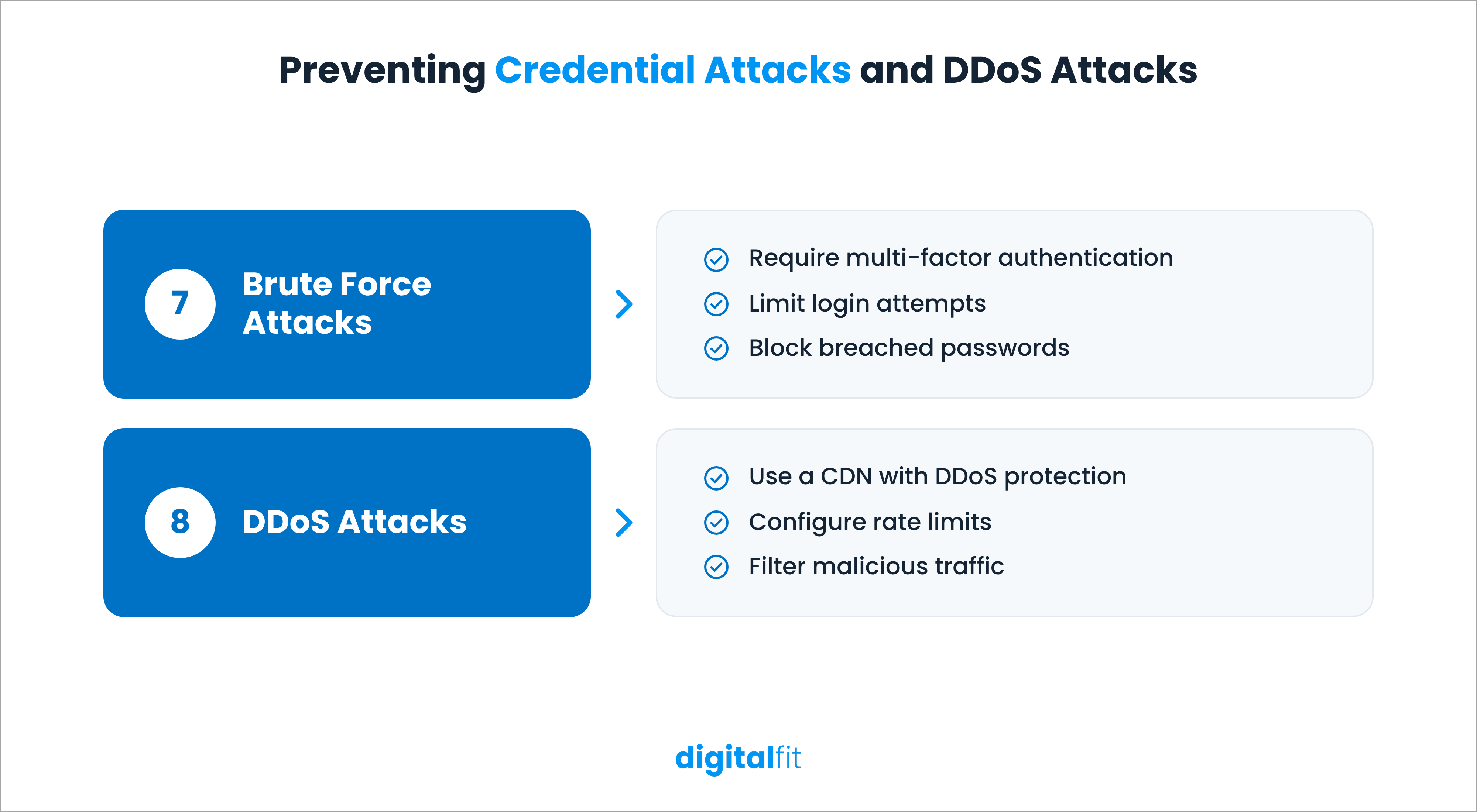
How to prevent it:
- Require multi-factor authentication (MFA) for administrator accounts.
- Enforce strong, unique passwords.
- Limit repeated login attempts through rate limiting.
- Block passwords that appear in known breach databases.
- Monitor unusual login activity and lock compromised accounts.
These measures protect the access points that attackers often target during website security threats.
8. Distributed DDoS attacks
A Distributed Denial-of-Service (DDoS) attack is a cyberattack that overwhelms a website or server with traffic from multiple sources. This sudden increase in requests consumes server resources, making the website slow or completely unavailable.
For businesses that depend on online sales, bookings or customer support, even a short outage can interrupt operations and affect revenue.
Cloudflare's Q3 2026 DDoS report recorded 18.2 million network-layer DDoS attacks during the quarter.
How to prevent it:
- Use a Content Delivery Network (CDN) with DDoS protection.
- Configure rate limits to control excessive requests.
- Use traffic filtering to identify and block malicious sources.
- Cache frequently requested pages to reduce server load.
- Prepare an incident response plan with your hosting provider.
9. Phishing and social engineering
Although not strictly a technical website security threat, phishing is one of the most common causes of attacks.
It involves fraudulent emails, messages or websites that trick people into sharing login credentials or other sensitive information. Social engineering uses similar tactics to manipulate employees into granting access or performing actions that compromise security.
How to prevent it:
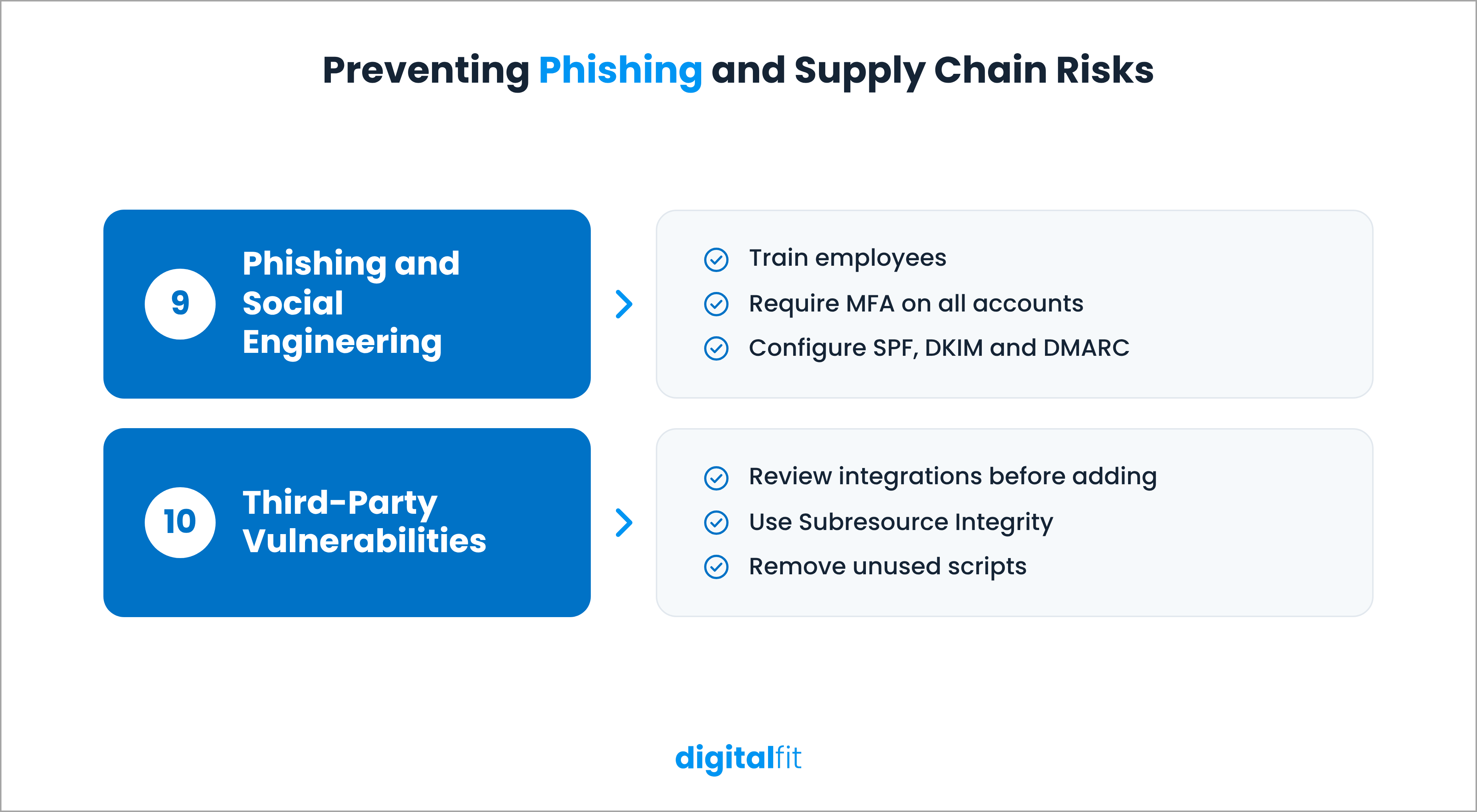
- Train employees to recognise suspicious emails and login requests.
- Conduct periodic phishing awareness exercises.
- Require MFA for all accounts with website access.
- Configure SPF, DKIM and DMARC records for your domain.
- Establish a clear process for reporting suspicious messages.
10. Third-party and supply chain vulnerabilities
Most websites depend on external services, such as analytics tools, advertising scripts, chat widgets, payment gateways and third-party plugins. These integrations add functionality, but they also introduce dependencies that your team may not directly control.
If a third-party service is compromised, attackers may use that access to target your website or its visitors. An outdated integration can also introduce vulnerabilities into an otherwise secure application.
The 2026 Verizon DBIR found that third parties were involved in 48% of breaches, up from 30% in the previous year.
How to prevent it:
- Review third-party services and integrations before adding them.
- Remove scripts, plugins and integrations that are no longer necessary.
- Keep third-party components updated.
- Use Subresource Integrity (SRI) where supported to verify externally hosted scripts.
- Review vendors' security practices and vulnerability disclosure processes.
Why Is Website Security Important?
Website security protects more than your website's technical infrastructure. It also affects your customers, business operations and reputation.
Here are four reasons why it deserves regular attention.
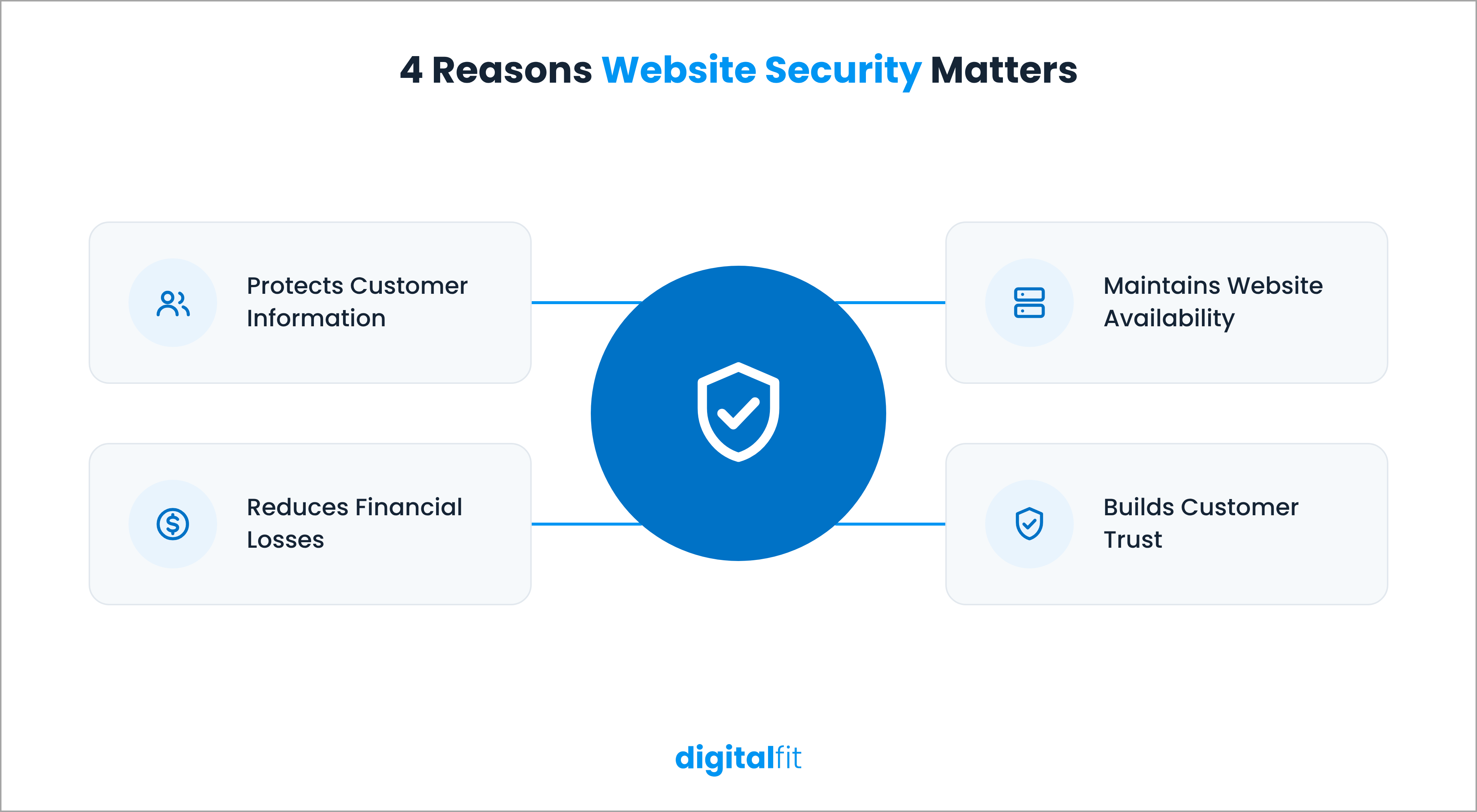
1. Protects customer information
Websites often collect personal details, contact information, login credentials and payment data. A security breach can expose this information and put customers at risk. Strong security controls help protect this data from unauthorised access.
2. Reduces financial losses
The financial impact of a cyberattack can extend beyond immediate recovery costs. Businesses may face legal expenses, regulatory penalties, lost sales and customer compensation. IBM's 2026 Cost of a Data Breach Report puts the global average cost of a data breach at $4.99 million.
3. Maintains website availability
Attacks such as ransomware and DDoS can interrupt website operations. For businesses that rely on their websites to generate leads, process orders or serve customers, downtime can directly affect revenue.
4. Builds customer trust
Visitors expect websites to protect their information and provide a safe browsing experience. Security warnings, suspicious redirects and data breaches can damage that trust and make customers hesitant to interact with your business.
How to Monitor and Improve Your Website Security
Preventing website security attacks requires ongoing attention. A website that passes a security check today may develop new vulnerabilities after a software update, configuration change or third-party integration.
DigitalFit makes it easier to keep track of these risks. Simply enter your website URL and click Scan. Once the scan is complete, open the Security section from the left panel and select the checks you want to run. Within minutes, DigitalFit generates a detailed security report that classifies identified issues by severity: high, medium and low.
A website security audit gives your team a clear picture of existing vulnerabilities and helps prioritise them based on the level of risk. This way, your team can focus on critical issues first and address potential security gaps before they turn into bigger problems.


